
Accept Dogecoin payments on WooCommerce
Tap one of crypto's biggest and most spend-happy communities.
Get the free pluginDogecoin began as a meme and grew into a genuinely popular payments coin. It has fast blocks, near-zero fees and a large, enthusiastic community that — unlike many crypto holders — actually likes to spend rather than hold. For consumer stores, DOGE checkout can drive real impulse purchases.
For a WooCommerce store, Dogecoin's appeal is its community. Where many crypto holders treat their coins as an investment to keep, Dogecoin holders are known for actually spending — on tips, on merch, on impulse buys. Add a near-instant, near-free DOGE checkout and you give that culture somewhere to spend. VelozaPay forwards every payment straight to your own Dogecoin wallet, with no account and no KYC.
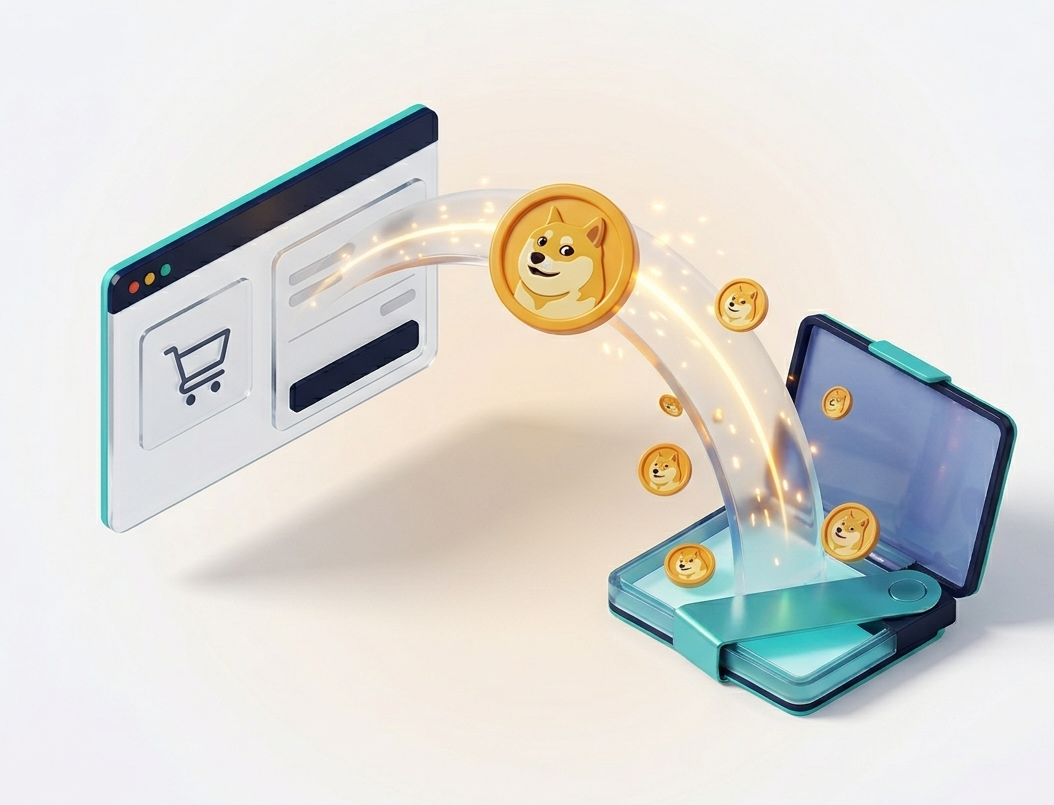
Why Dogecoin
Why accept Dogecoin on your store
A community that spends
Dogecoin holders are known for using DOGE for tips and purchases. Offering it can turn that culture into orders for your store.
Tiny fees, fast blocks
Dogecoin blocks are found about every minute and fees are a fraction of a cent — ideal for low-value and impulse purchases.
Strong brand recognition
Dogecoin is one of the most recognised crypto names in the world, which makes it an easy, friendly option to show at checkout.
Payment gateway
How the VelozaPay Dogecoin payment gateway works
When a customer picks Dogecoin at checkout, VelozaPay opens a payment page that locks the DOGE amount to your order total, shows a one-time Dogecoin address with a QR code, and watches the Dogecoin network for the transaction.
Dogecoin produces a block roughly every minute, so payments confirm fast. As soon as the transaction is seen on-chain, the DOGE is forwarded to the wallet address you set in the plugin and a REST callback marks the WooCommerce order paid — no dashboard, no manual step.
About one block a minute
Dogecoin's fast block time means a payment confirms and the order updates within a couple of minutes at most.
Fees of a fraction of a cent
Dogecoin transactions cost almost nothing, which makes it one of the few coins that works for genuinely low-value orders.
Amount locked at checkout
The DOGE figure is fixed to your order total when the customer reaches the payment page, so price movement does not short the sale.
How it works
Dogecoin payments in three steps
- 1
Install the plugin
Add VelozaPay to WooCommerce and paste your DOGE payout wallet — no account, no KYC.
- 2
Customer pays DOGE
At checkout the customer picks Dogecoin, scans the QR and sends the payment.
- 3
Order completes
The DOGE settles on-chain to your wallet and the WooCommerce order is marked paid automatically.
Payments are made and settled on the Dogecoin network (DOGE).
Pricing
What it costs to accept Dogecoin
The VelozaPay plugin is free — no setup fee, no monthly subscription. You pay only a small flat percentage on a transaction when a customer pays, and there are no chargeback fees because Dogecoin payments settle on-chain and cannot be reversed.
The Dogecoin network fee is paid by the customer and is famously tiny — a fraction of a cent. That is what makes DOGE viable for small and impulse purchases that would be uneconomical on a higher-fee chain. The DOGE settles straight to your wallet, so there is no payout fee and no withdrawal delay.
Use cases
Stores that benefit most from Dogecoin checkout
Dogecoin is built for spending, which makes it a strong fit for consumer-facing stores.
Low-ticket and impulse purchases
Fees of a fraction of a cent make DOGE one of the only coins that works cleanly for small, spur-of-the-moment orders.
Community-driven brands
Stores with an online following can tap a community that genuinely enjoys spending Dogecoin rather than holding it.
Merch, digital goods and tips
Fast, cheap payments suit downloads, merchandise and pay-what-you-want style products.
Stores reaching newer crypto users
Dogecoin is one of the most recognised crypto names, so it is an easy, friendly option to show customers new to paying with crypto.
Comparison
VelozaPay vs other ways to accept Dogecoin
How a non-custodial WooCommerce plugin compares with a custodial crypto processor and a card gateway.
| Feature | VelozaPay | Custodial processor | Card gateway |
|---|---|---|---|
| Holds your money | No — non-custodial | Yes — custodial | Yes, until payout |
| KYC / account approval | Not required | Required | Required |
| Monthly fees | None | Sometimes | Often |
| Chargebacks | Impossible | Impossible | Common |
| Settlement | Direct to your wallet | To a processor balance | 2–7 day payout |
| Can freeze your funds | No | Yes | Yes |
FAQ
Dogecoin payments — questions
Is Dogecoin's price volatility a problem?
The VelozaPay payment page locks the crypto amount to your order total at checkout time, so you receive the value of the sale regardless of DOGE's price.
Are Dogecoin fees really that low?
Yes — Dogecoin network fees are extremely small, which makes it one of the most practical coins for small orders.
How fast do DOGE payments confirm?
Dogecoin produces a block roughly every minute, so payments confirm quickly and the order status updates automatically.
What does it cost to accept Dogecoin?
The plugin is free with no monthly fees; VelozaPay takes only a small flat percentage when a customer pays. The customer covers the Dogecoin network fee, which is a fraction of a cent.
Is Dogecoin practical for very small orders?
Yes — that is one of its strengths. Because the network fee is so low, DOGE works for small and impulse purchases that would not be economical on a higher-fee coin.
Can I refund a Dogecoin order?
Dogecoin transactions are irreversible, so refunds are sent manually from your wallet — the same as any direct on-chain payment.
Do my customers need an account to pay with Dogecoin?
No. They pay from their own Dogecoin wallet on the payment page — there is no sign-up, no ID check and no account on either side.
Keep reading


Start accepting Dogecoin today
Install the free plugin, add your wallet, take your first DOGE payment this afternoon.
Get the free plugin