
Accept Bitcoin Cash payments on WooCommerce
A Bitcoin fork designed from the start for everyday payments.
Get the free pluginBitcoin Cash is a fork of Bitcoin created specifically to work well as money. Its larger blocks keep fees low and confirmations reliable even when the network is busy, and it has a community that actively promotes spending crypto with merchants.
For a WooCommerce store, Bitcoin Cash is the option for merchants who want a Bitcoin-style coin that was actually designed for paying. Its larger blocks keep fees low and confirmations dependable even when the network is busy, and its community actively encourages spending crypto with shops. VelozaPay forwards every BCH payment straight to your own wallet — non-custodial, no account, no KYC.
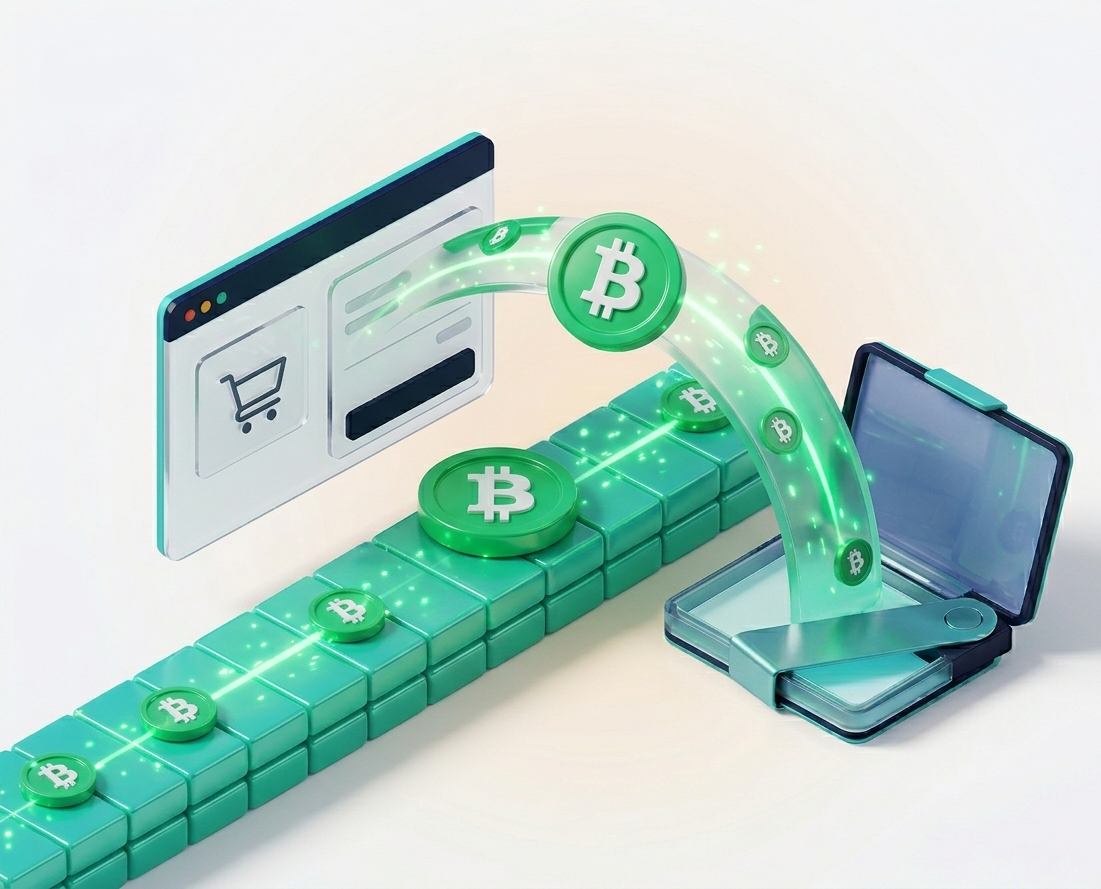
Why Bitcoin Cash
Why accept Bitcoin Cash on your store
Built for payments
Bitcoin Cash was designed around merchant use — larger blocks mean low fees and dependable confirmations.
Low, predictable fees
BCH transaction fees stay small even during busy periods, which keeps crypto checkout viable for any order size.
A merchant-minded community
The Bitcoin Cash community actively encourages spending crypto in shops, making BCH holders ready buyers.
Payment gateway
How the VelozaPay Bitcoin Cash payment gateway works
When a customer chooses Bitcoin Cash at checkout, VelozaPay opens a payment page that locks the BCH amount to your order total, shows a one-time Bitcoin Cash address with a QR code, and monitors the BCH network for the transaction.
Bitcoin Cash blocks are found about every 10 minutes, but its larger block size keeps fees low and confirmations reliable even at busy times. Once the payment is seen on-chain, the BCH is forwarded to the wallet address you set in the plugin and a REST callback marks the WooCommerce order paid automatically.
Built for payments
Bitcoin Cash uses larger blocks than Bitcoin, so the network handles everyday payment volume without fees spiking.
Low, predictable fees
A BCH transaction costs very little and stays cheap even when the network is busy, which keeps any order size viable.
Direct on-chain settlement
Each payment is forwarded straight to your Bitcoin Cash wallet. VelozaPay holds no funds and runs no account.
How it works
Bitcoin Cash payments in three steps
- 1
Install the plugin
Add VelozaPay to WooCommerce and paste your BCH payout wallet — no account, no KYC.
- 2
Customer pays BCH
At checkout the customer picks Bitcoin Cash, scans the QR and sends the payment.
- 3
Order completes
The BCH settles on-chain to your wallet and the WooCommerce order is marked paid automatically.
Payments are made and settled on the Bitcoin Cash network (BCH).
Pricing
What it costs to accept Bitcoin Cash
The VelozaPay plugin is free, with no setup or monthly fees — you pay only a small flat percentage on a transaction when a customer pays. There are no chargeback fees, because a confirmed Bitcoin Cash payment cannot be reversed.
The Bitcoin Cash network fee is paid by the customer and is consistently small, even during busy periods, thanks to the network's larger blocks. That predictability is what makes BCH practical for both small everyday orders and larger purchases. The BCH settles straight to your wallet, with no payout fee or withdrawal delay.
Use cases
Stores that benefit most from Bitcoin Cash checkout
Bitcoin Cash was designed around merchant use, so it fits a range of everyday-commerce situations.
Everyday-priced stores
Low, stable fees keep crypto checkout viable across the full range of order values, not just large ones.
Stores wanting reliable fees
Larger blocks mean BCH fees stay low even when the network is busy, so checkout costs stay predictable.
A merchant-minded community
The Bitcoin Cash community actively promotes spending crypto in shops, so BCH holders are ready buyers.
A Bitcoin alternative for small orders
Customers who find Bitcoin's fees steep on smaller carts get a familiar, lower-cost coin to pay with instead.
Comparison
VelozaPay vs other ways to accept Bitcoin Cash
How a non-custodial WooCommerce plugin compares with a custodial crypto processor and a card gateway.
| Feature | VelozaPay | Custodial processor | Card gateway |
|---|---|---|---|
| Holds your money | No — non-custodial | Yes — custodial | Yes, until payout |
| KYC / account approval | Not required | Required | Required |
| Monthly fees | None | Sometimes | Often |
| Chargebacks | Impossible | Impossible | Common |
| Settlement | Direct to your wallet | To a processor balance | 2–7 day payout |
| Can freeze your funds | No | Yes | Yes |
FAQ
Bitcoin Cash payments — questions
How is Bitcoin Cash different from Bitcoin?
Bitcoin Cash uses larger blocks than Bitcoin, which keeps fees lower and confirmations more reliable — it is focused on being usable for everyday payments.
Are Bitcoin Cash fees low?
Yes. BCH fees are typically very small, even when the network is busy, which makes it practical for both small and large orders.
Where does the BCH settle?
Directly to the Bitcoin Cash wallet address you configure. VelozaPay is non-custodial and requires no sign-up or KYC.
What does it cost to accept Bitcoin Cash?
The plugin is free with no monthly fees; VelozaPay takes only a small flat percentage when a customer pays. The customer covers the BCH network fee, which is consistently small.
How long does a Bitcoin Cash payment take to confirm?
Bitcoin Cash blocks are found roughly every 10 minutes. The customer sees a live status on the payment page and the WooCommerce order updates automatically once the payment confirms.
Can I refund a Bitcoin Cash order?
Bitcoin Cash transactions are irreversible, so refunds are sent manually from your wallet — the same as any direct on-chain payment.
Do my customers need an account to pay with Bitcoin Cash?
No. They pay from their own Bitcoin Cash wallet on the payment page — there is no sign-up, no ID check and no account on either side.
Keep reading


Start accepting Bitcoin Cash today
Install the free plugin, add your wallet, take your first BCH payment this afternoon.
Get the free plugin